
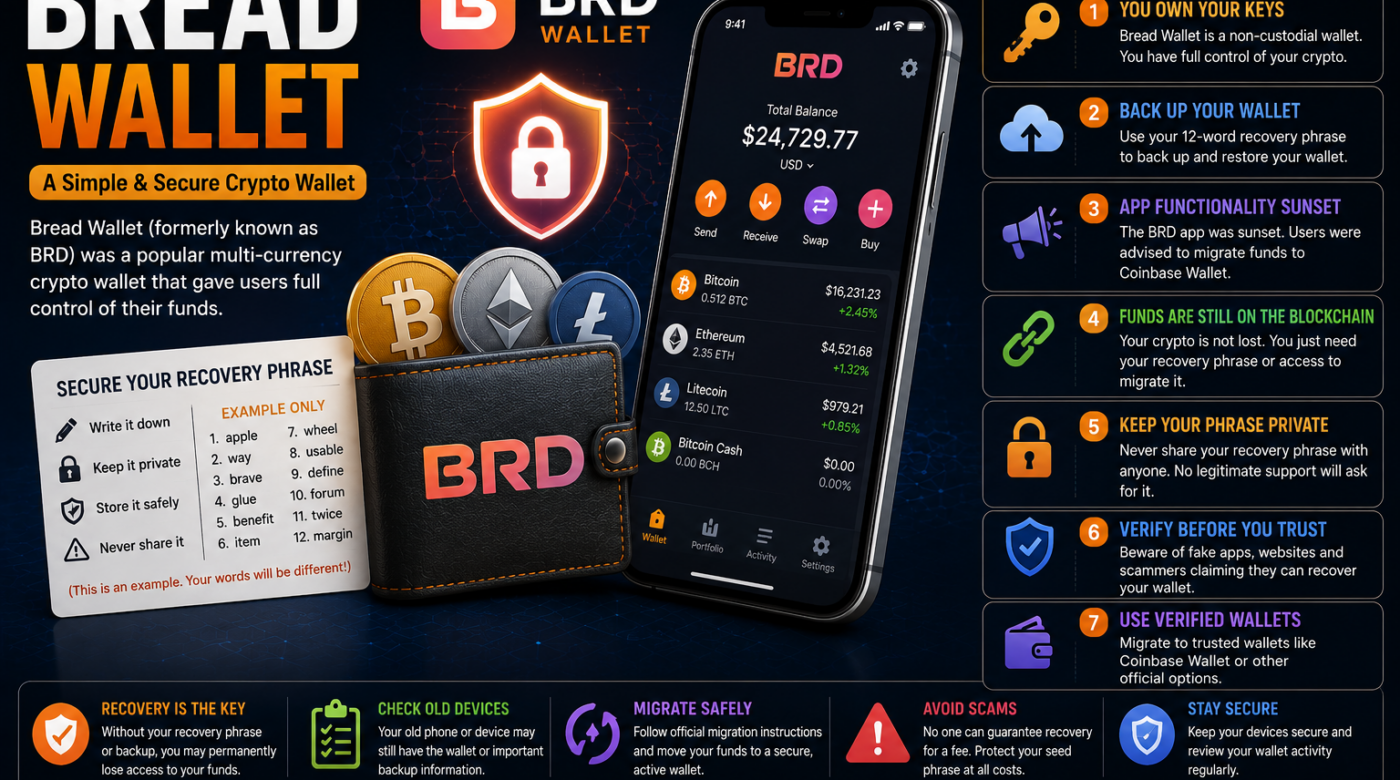
Bread Wallet was one of the best-known cryptocurrency wallet applications for users who wanted a simple way to manage digital assets.
Originally known as Breadwallet and later commonly referred to as BRD Wallet, the application allowed users to manage several cryptocurrencies while maintaining control over their wallet information.
Today, however, many people searching for Bread Wallet are looking for answers about old BRD accounts, wallet recovery, lost devices, recovery phrases, backups, and how to access cryptocurrency that was previously stored using the application.
This is important because the original BRD app functionality was sunset, and users were provided with instructions for migrating funds. The assets themselves remain associated with the blockchain, but access depends on the wallet credentials and recovery information available to the owner.
This guide explains what happened to Bread Wallet, what BRD users should understand about recovery, and how to safely approach an old cryptocurrency wallet.
Table of Contents
- What Is Bread Wallet?
- What Happened to Bread Wallet?
- Is BRD Wallet Still Available?
- What Happened to Funds Stored in Bread Wallet?
- How Bread Wallet Recovery Works
- Step 1: Check Whether You Still Have Access
- Step 2: Find Your Recovery Information
- Step 3: Check Your Old Devices
- Step 4: Understand Your Wallet Backup
- Step 5: Use a Verified Migration Process
- Step 6: Check Your Wallet Address
- Step 7: Avoid Bread Wallet Recovery Scams
- Can I Recover My Bread Wallet Without My Recovery Phrase?
- Common Bread Wallet Problems
- Frequently Asked Questions
- Final Thoughts
What Is Bread Wallet?
Bread Wallet was a cryptocurrency wallet that was originally known as Breadwallet before becoming more widely associated with the name BRD.
The wallet was designed to provide users with direct access to cryptocurrency while allowing them to maintain control of their wallet credentials.
Over time, the BRD application supported multiple digital assets and became widely used by cryptocurrency holders.
Because the application was a self-custody wallet, access to the cryptocurrency depended heavily on the user’s wallet information and recovery credentials.
This means that understanding your old Bread Wallet information is important if you are trying to regain access today.
What Happened to Bread Wallet?
The original BRD application was eventually sunset.
The application’s published history stated that its functionality was discontinued and included instructions for migrating funds to Coinbase Wallet.
This is why many users searching for Bread Wallet today are actually trying to answer questions such as:
- What happened to my BRD Wallet?
- Where did my cryptocurrency go?
- Can I still access my old Bread Wallet?
- How do I recover my BRD Wallet?
- What happened if I deleted the application?
- Can I migrate my old wallet?
- Do I still need my recovery phrase?
The most important thing to understand is that deleting or discontinuing a wallet application does not automatically erase cryptocurrency from the blockchain.
The challenge is maintaining or restoring access to the credentials associated with the wallet.
Is Bread Wallet Still Available?
The original BRD application is no longer an actively functioning cryptocurrency wallet in the way it once was.
Its published App Store history states that BRD app functionality was sunset and that users were provided with instructions for migrating funds.
If you are searching for a Bread Wallet download today, be extremely careful about unofficial applications or websites using similar names.
The name “Bread Wallet” may also be used by unrelated services or newer projects.
Always verify that you are dealing with the correct service before entering sensitive wallet information.
What Happened to Funds Stored in Bread Wallet?
One of the most common concerns is whether cryptocurrency disappeared when the BRD application was sunset.
Generally, cryptocurrency associated with a self-custody wallet is recorded on the relevant blockchain rather than being stored inside the mobile application itself.
The application acts as an interface for accessing and managing the assets.
This means the important question is usually:
Do you still have the correct information needed to access your old wallet?
Depending on your situation, you may still have:
- Access to an old device
- A recovery phrase
- A wallet backup
- Relevant private wallet credentials
- Information about your wallet address
Each situation is different.
How Does Bread Wallet Recovery Work?
Recovering an old Bread Wallet depends on what information remains available.
You should first identify exactly what you still have.
For example:
- Do you still have the old phone?
- Is the BRD application still installed?
- Do you have your recovery phrase?
- Did you create a backup?
- Do you know your wallet address?
- Do you have access to a supported migration method?
Avoid immediately deleting anything.
If an old device still provides access to the wallet, take time to understand your available options before resetting, replacing, or modifying the device.
Step 1: Check Whether You Still Have Access
The easiest recovery situation is when your old wallet remains accessible.
Check your old:
- Phone
- Tablet
- Backup device
If the wallet application is still accessible, avoid making unnecessary changes.
Do not:
- Delete the app immediately
- Reset the device
- Give strangers access
- Enter sensitive information into unknown websites
Existing access may provide an opportunity to review your recovery information and safely migrate your assets.
Step 2: Find Your Bread Wallet Recovery Information
A recovery phrase is one of the most important pieces of information for a self-custody wallet.
If you recorded your recovery information, carefully check secure locations where you personally stored it.
Potential legitimate locations may include:
- Secure physical storage
- A protected personal backup
- An encrypted backup system you personally created
- Another device
Never post a recovery phrase online.
Do not send it through social media messages.
Do not provide it to someone claiming to be a wallet recovery expert.
Your recovery information should remain private.
Step 3: Check Your Old Devices
Old devices can be extremely important when dealing with a discontinued wallet.
If you still have the device where you used Bread Wallet, do not rush to wipe it.
First, check:
- Whether the wallet is still installed
- Whether the device still functions
- Whether you can access your wallet information
- Whether there are legitimate backup options available
Do not give an unknown person remote access to the device.
Scammers frequently target users who are searching for old cryptocurrency wallets.
Step 4: Understand Your Bread Wallet Backup
A wallet backup may be different from other credentials.
For example, you may have:
- A recovery phrase
- A cloud backup
- Wallet data
- A device backup
Do not assume that every password associated with your phone or application can restore a cryptocurrency wallet.
Understanding exactly what type of backup you created is important.
If you still have access to the original wallet, carefully review the available information before making changes.
Step 5: Use a Verified Migration Process
Because the original BRD application was sunset, users should be particularly careful when searching online for migration tools.
A fake website may claim:
- “Restore your Bread Wallet here.”
- “Enter your recovery phrase to migrate.”
- “Verify your BRD Wallet.”
- “Pay a fee to unlock your cryptocurrency.”
Treat these claims carefully.
Never enter your recovery phrase into an unknown website.
Only use independently verified wallet software and official documentation when dealing with sensitive wallet information.
Step 6: Check Your Wallet Address
If you know your cryptocurrency wallet address, you may be able to view publicly available activity using an appropriate blockchain explorer.
This can help you confirm information such as:
- Wallet activity
- Transaction history
- Transfers
- Current public balance information
However, an address alone does not normally provide control over the cryptocurrency.
Your wallet address is different from:
- A recovery phrase
- A private key
- Other private access credentials
Never confuse a public wallet address with information that provides access to the wallet.
Step 7: Avoid Bread Wallet Recovery Scams
People searching for Bread Wallet recovery can be attractive targets for scammers.
Be cautious if someone contacts you and says:
- “We found your lost wallet.”
- “We can recover your crypto immediately.”
- “Send us your recovery phrase.”
- “Pay a recovery fee now.”
- “We guarantee your cryptocurrency will be returned.”
- “Your wallet needs urgent verification.”
These situations require caution.
Never Share Sensitive Wallet Credentials
Keep private information private.
Do not share:
- Recovery phrases
- Seed phrases
- Private keys
- Sensitive wallet backup information
A legitimate support interaction should not require you to publicly disclose your recovery credentials.
Can I Recover Bread Wallet Without a Recovery Phrase?
The answer depends on what other access or backup options remain available.
You may still have:
- Access to the wallet on an old device
- A legitimate backup
- Another supported recovery option
However, if all access and recovery information has been permanently lost, recovery may become significantly more difficult or impossible.
This is one of the main reasons secure backups are important for self-custody wallets.
Common Bread Wallet Problems
I Deleted My Bread Wallet App
Deleting an application does not necessarily mean the cryptocurrency disappeared.
The important question is whether you still possess the necessary recovery information.
I Lost My Phone
If you lost the device but still have valid recovery information, you may have a supported option for restoring access.
I Forgot My Password
A device password and wallet recovery credentials may be different.
Identify exactly what credential you forgot before attempting any recovery.
I Cannot Find My Recovery Phrase
Check secure locations where you personally stored your information.
Avoid websites claiming they can magically generate your original phrase.
I Cannot See My Cryptocurrency
Before assuming assets disappeared, verify:
- The correct wallet was restored
- The correct network is being used
- The correct wallet address is being checked
Bread Wallet vs Coinbase Wallet
The original BRD application’s sunset included migration guidance toward Coinbase Wallet.
Coinbase Wallet itself has evolved, with the current ecosystem also referring to the updated mobile experience as the Base app.
This means users researching an old Bread Wallet may encounter several different names:
- Breadwallet
- BRD
- Coinbase Wallet
- Base app
These names may refer to different stages of wallet software and migration history.
The most important thing is to identify the exact wallet you originally used and carefully verify the current official recovery or migration information.
How to Stay Safe When Recovering an Old Bread Wallet
Follow these important security practices:
Keep Your Recovery Information Private
Never share your recovery phrase with strangers.
Verify Websites Independently
Do not click a link simply because it appears in a message.
Avoid Guaranteed Recovery Claims
No one should pressure you with promises of guaranteed results.
Protect Your Old Device
An old device may contain valuable wallet access information.
Check Official Documentation
Use verified information from recognized wallet providers.
Take Your Time
Scammers often create a sense of urgency.
Do not allow pressure to force you into sharing sensitive information.
Frequently Asked Questions About Bread Wallet
What is Bread Wallet?
Bread Wallet was a cryptocurrency wallet commonly associated with Breadwallet and later BRD.
Is Bread Wallet still working?
The original BRD application’s functionality was sunset, and users were provided with migration information.
What happened to my cryptocurrency?
Cryptocurrency associated with a self-custody wallet is generally recorded on the relevant blockchain. Access depends on the credentials associated with the wallet.
Can I recover my Bread Wallet?
Recovery depends on what legitimate information and access you still have, such as a recovery phrase, backup, or access to an existing device.
Did deleting the BRD app delete my cryptocurrency?
Deleting an application does not automatically erase cryptocurrency from the blockchain. However, you may need valid recovery information to restore access.
Should I give my recovery phrase to a recovery company?
No. Keep your recovery phrase and other sensitive credentials private.
What if I lost my old phone?
Check whether you still have legitimate recovery information or another supported backup method.
Can I check my old Bread Wallet balance?
If you know the relevant public wallet address, a blockchain explorer may allow you to view publicly available activity.
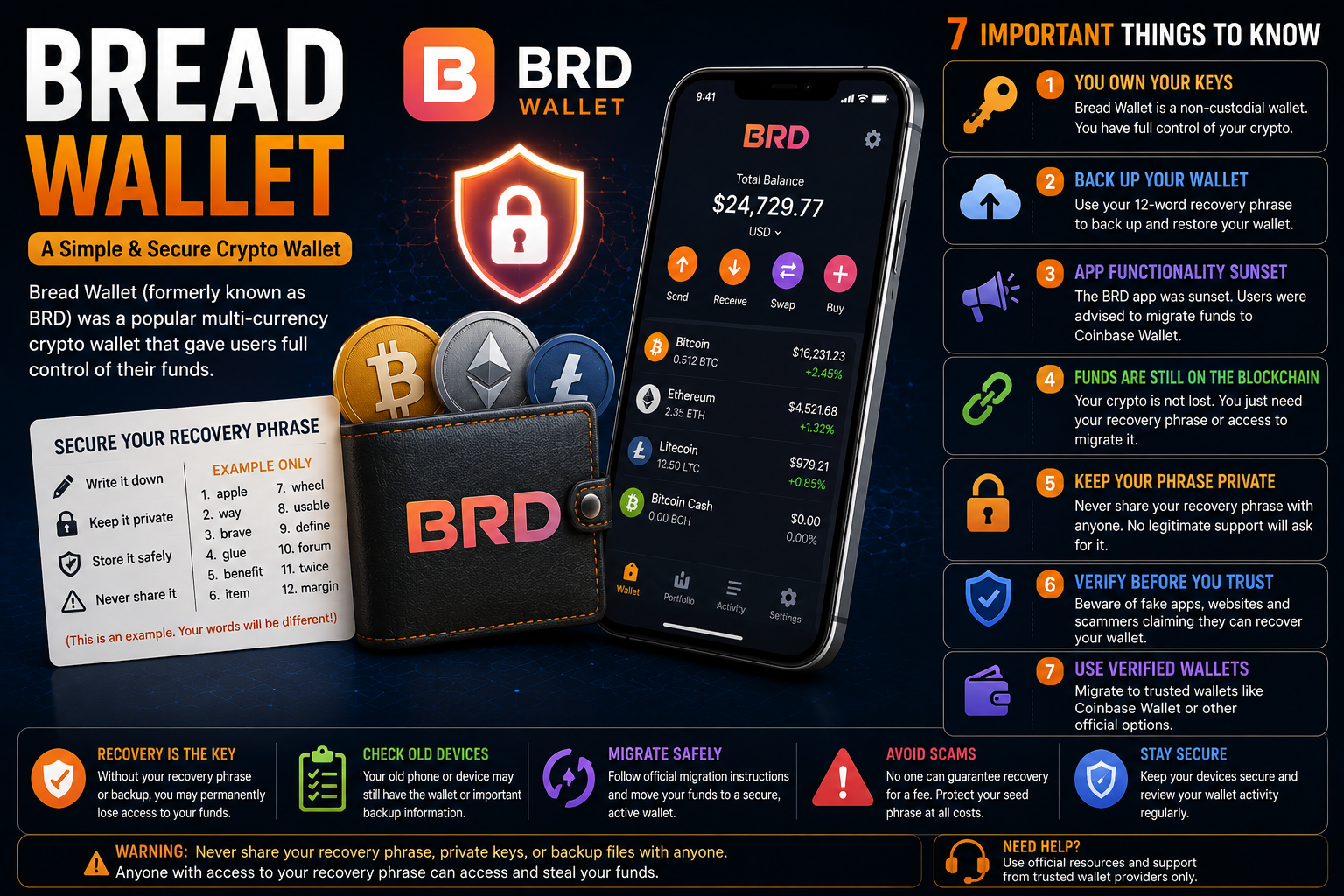
Final Thoughts on Bread Wallet
The keyword Bread Wallet is now strongly connected with the history of Breadwallet and BRD.
For users trying to access an old wallet, the most important step is understanding what information is still available.
You may have:
- An old device
- A recovery phrase
- A backup
- A public wallet address
- Access to another supported recovery method
Do not rush into using unknown recovery websites.
Do not share your sensitive credentials.
And do not assume that the disappearance of an application means that your cryptocurrency automatically disappeared.
Instead, carefully identify your wallet, verify the available recovery or migration information, and protect every sensitive credential associated with your account.